
 BotLab
Test robot policies
in simulation.
Open a project and watch how the robot walks, turns and keeps its balance.
Open a project.
Understand a capability.
Run paper demos and Skills to see how the robot behaves in the scene.
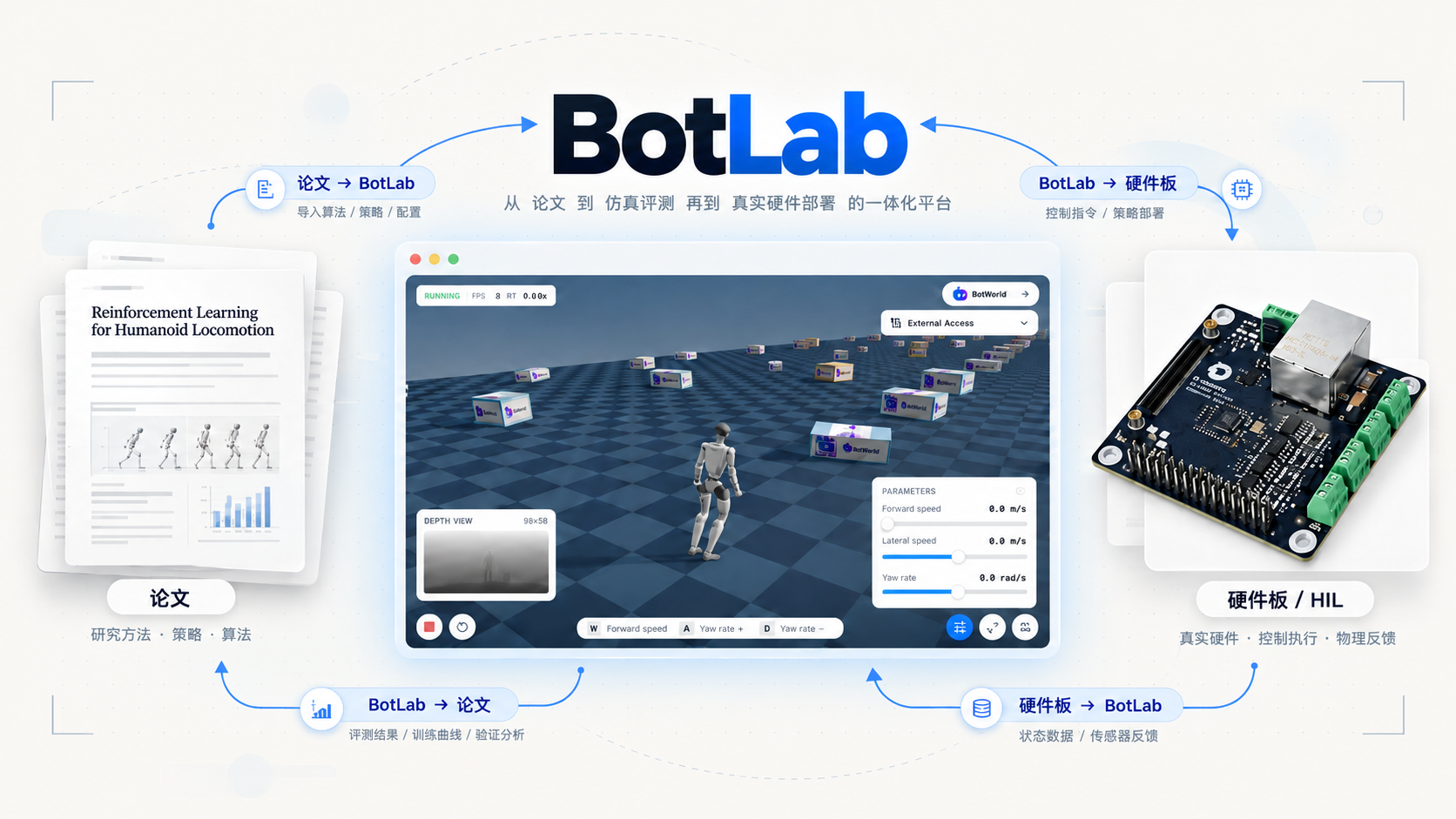
Change a condition.
Inspect the behaviour again.
Describe the change.
Let the Agent work.
Edit code and configuration, then check the simulation logs.
Turn instructions
into robot actions.
What is BotLab suitable for demonstrating?
Robot papers, trained policies and Skills. Organise the robot, scene, policy and runtime configuration into a project to demonstrate interactive tasks.
How do the engineering Agent and robot control differ?
The engineering Agent edits code, configuration and scenes, then runs validation. Robot-control Agents use observations and instructions to explore language control, VLM and VLN tasks.
Where do HIL simulation and inference run?
The demonstration runs policy inference on real hardware and physics simulation in the browser, exchanging observations and actions through communication.
Which features include internal previews?
HIL, some Agent editing and control, and vision-language tasks are previews. Availability and results depend on the version and project validation.