
 URDF Studio
Build the robot.
Build its world.
Edit structure, generate environments and organise assets.
Prepare complete projects for training and simulation.
Every component.
Under your control.
Adjust structures and joints.
Inspect robot motion directly.
From components to a complete robot.
Connect the structure and inspect assembly relationships.
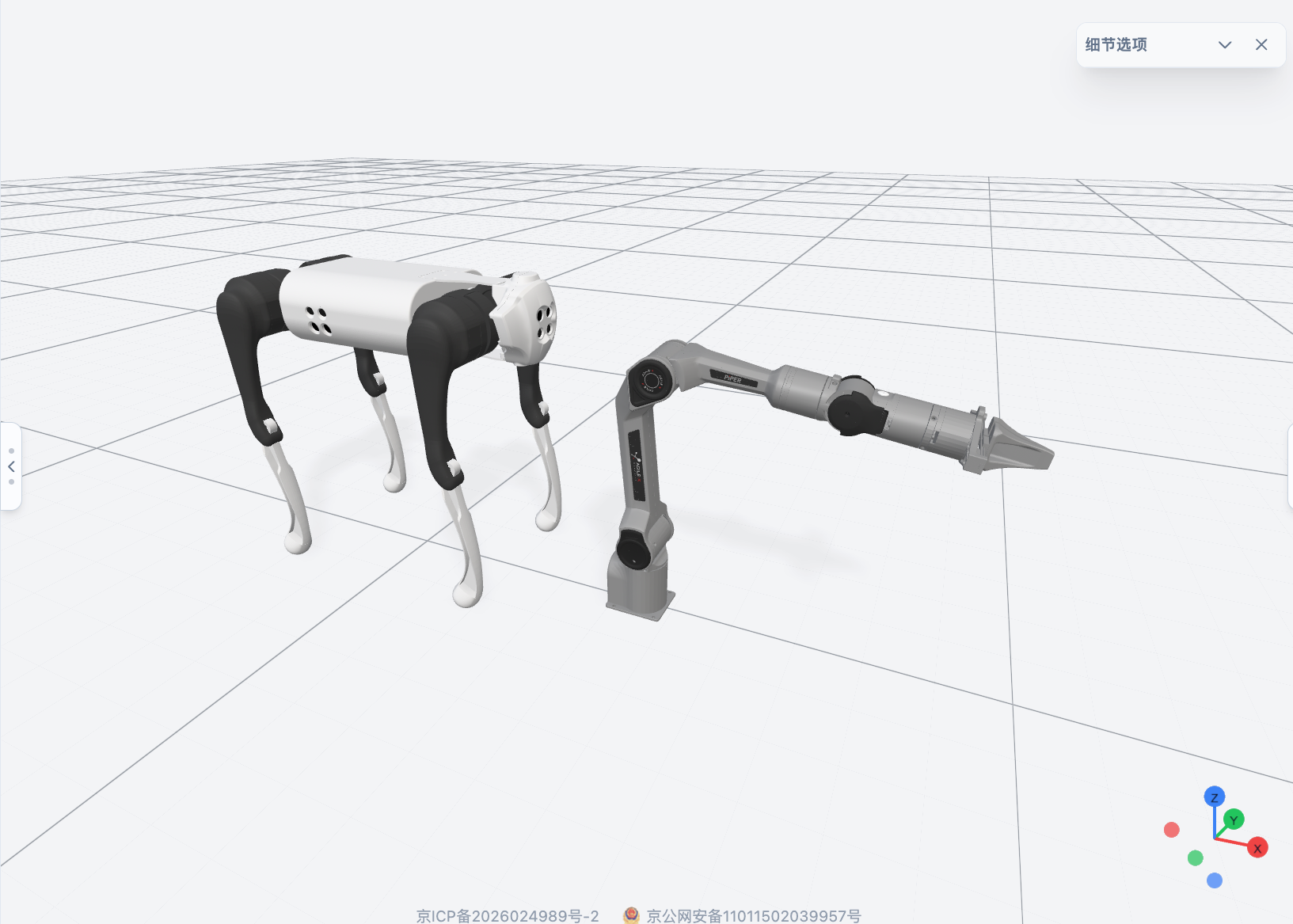
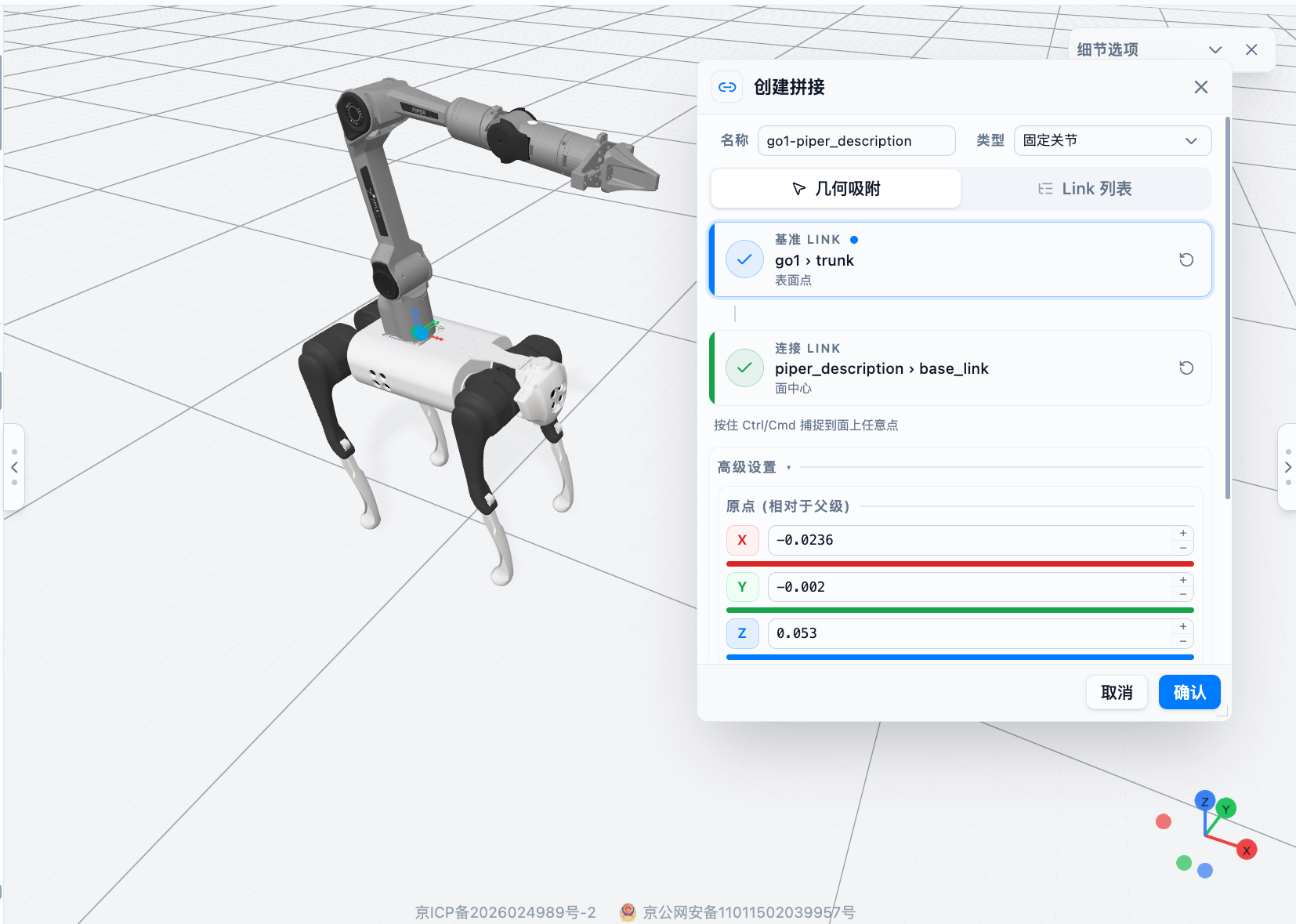
Give the model physical meaning.
Describe the environment. Start building.
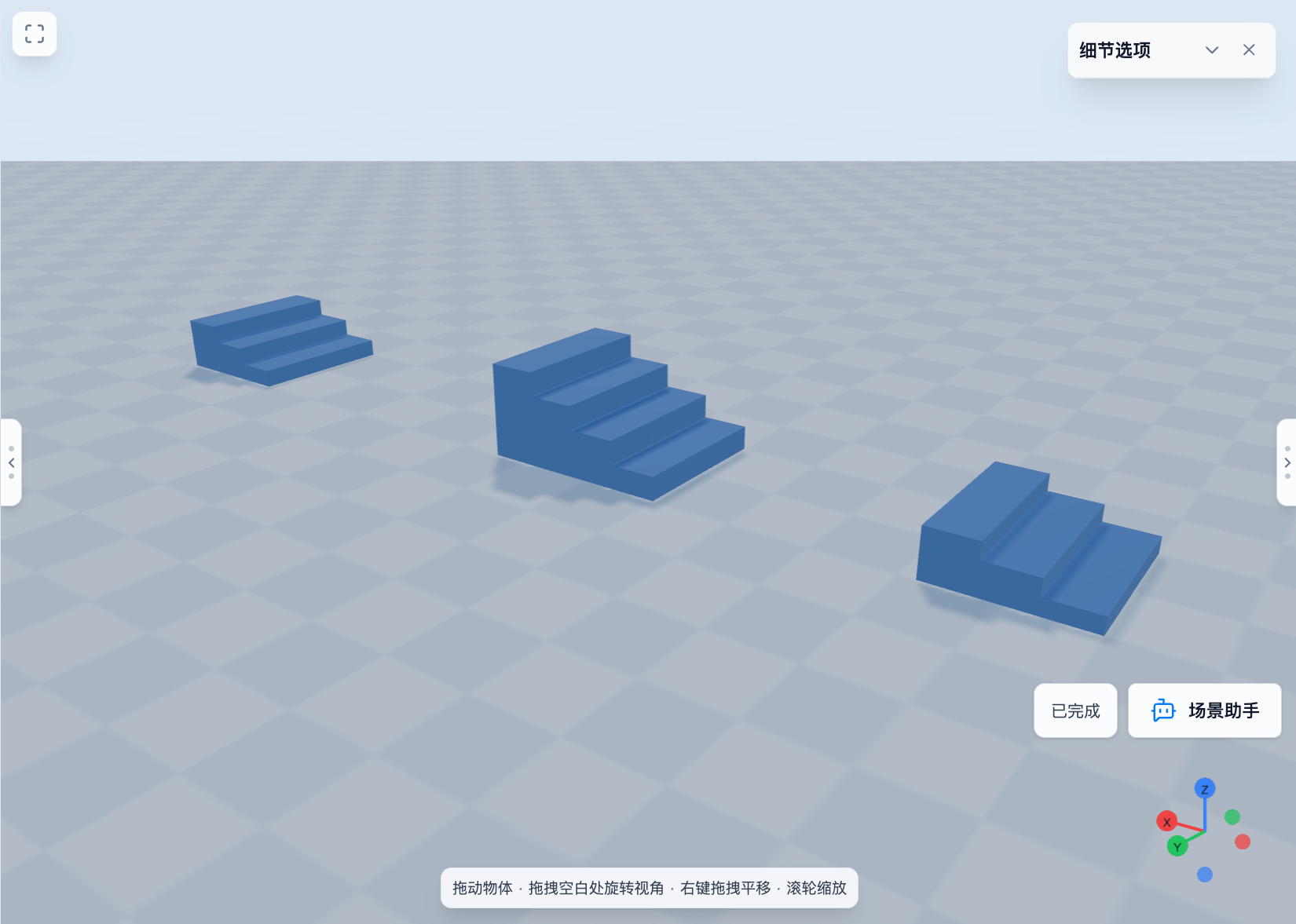
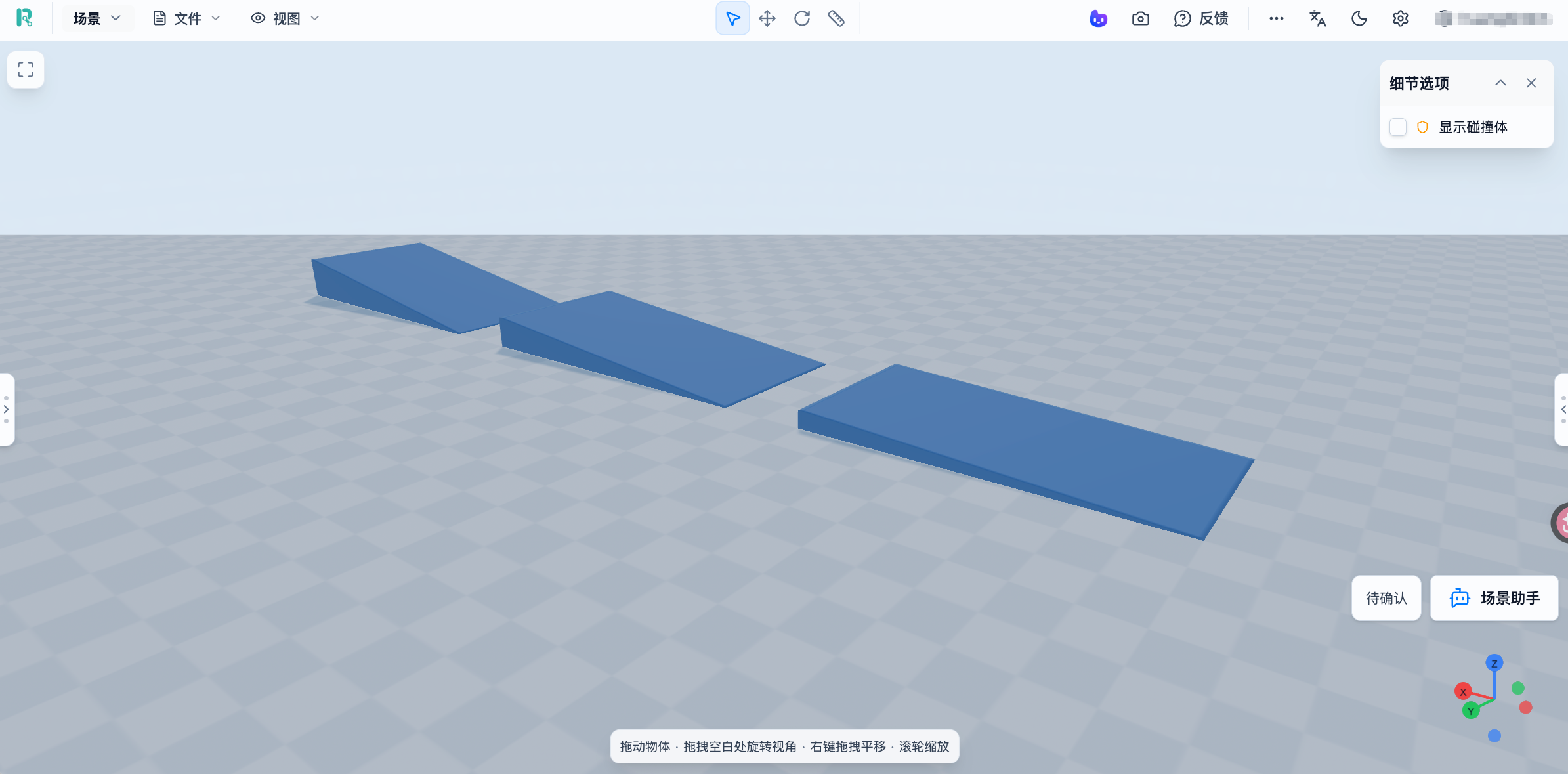
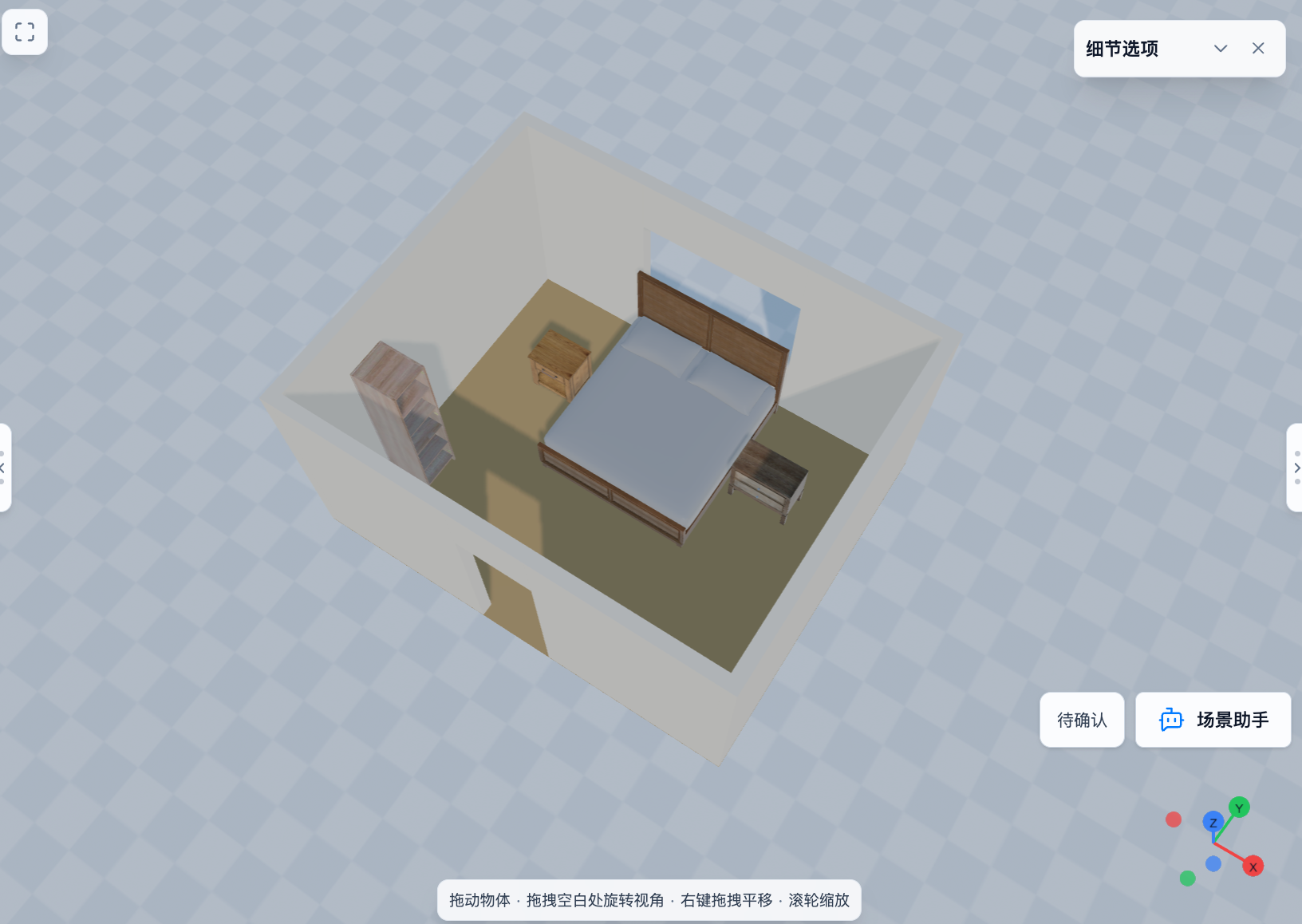
Prepare the robot
for different challenges.
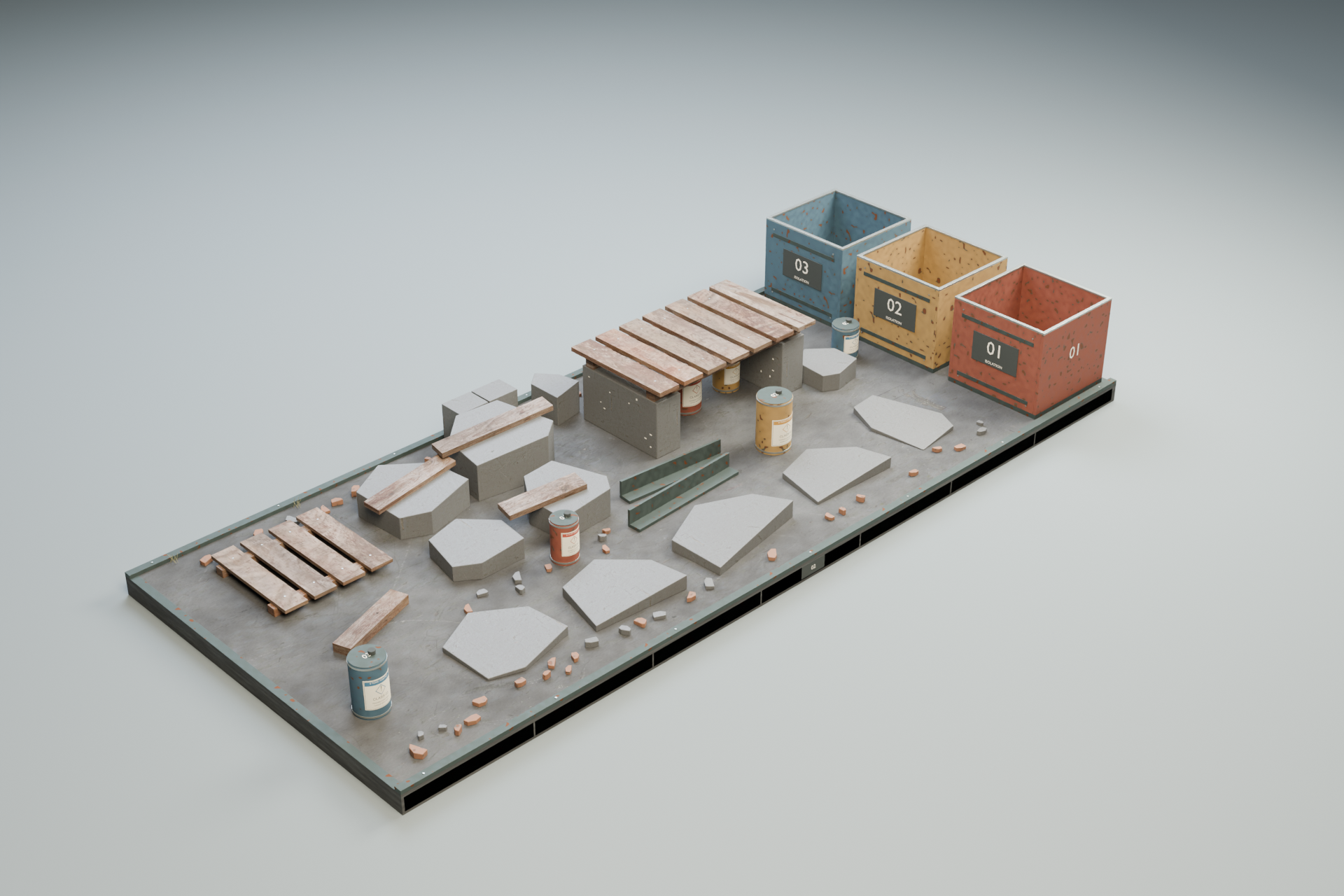
From flat ground to slopes, steps and complex terrain.
Adjust the environment for the task.
Need an object?
Create it in context.
Generate the 3D assets you need.
Adjust dimensions and add them to the scene.
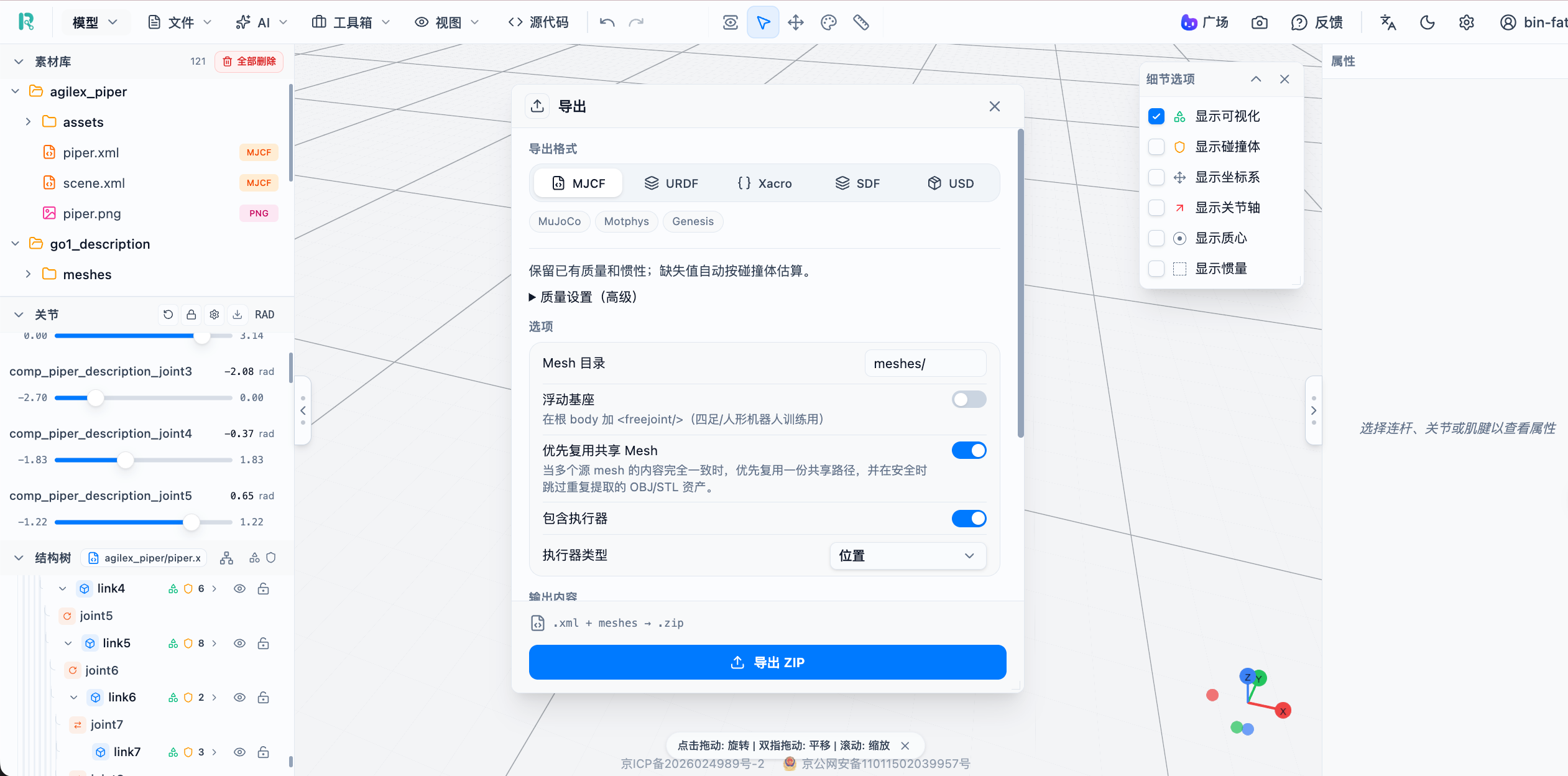
Move the result into the next development step.
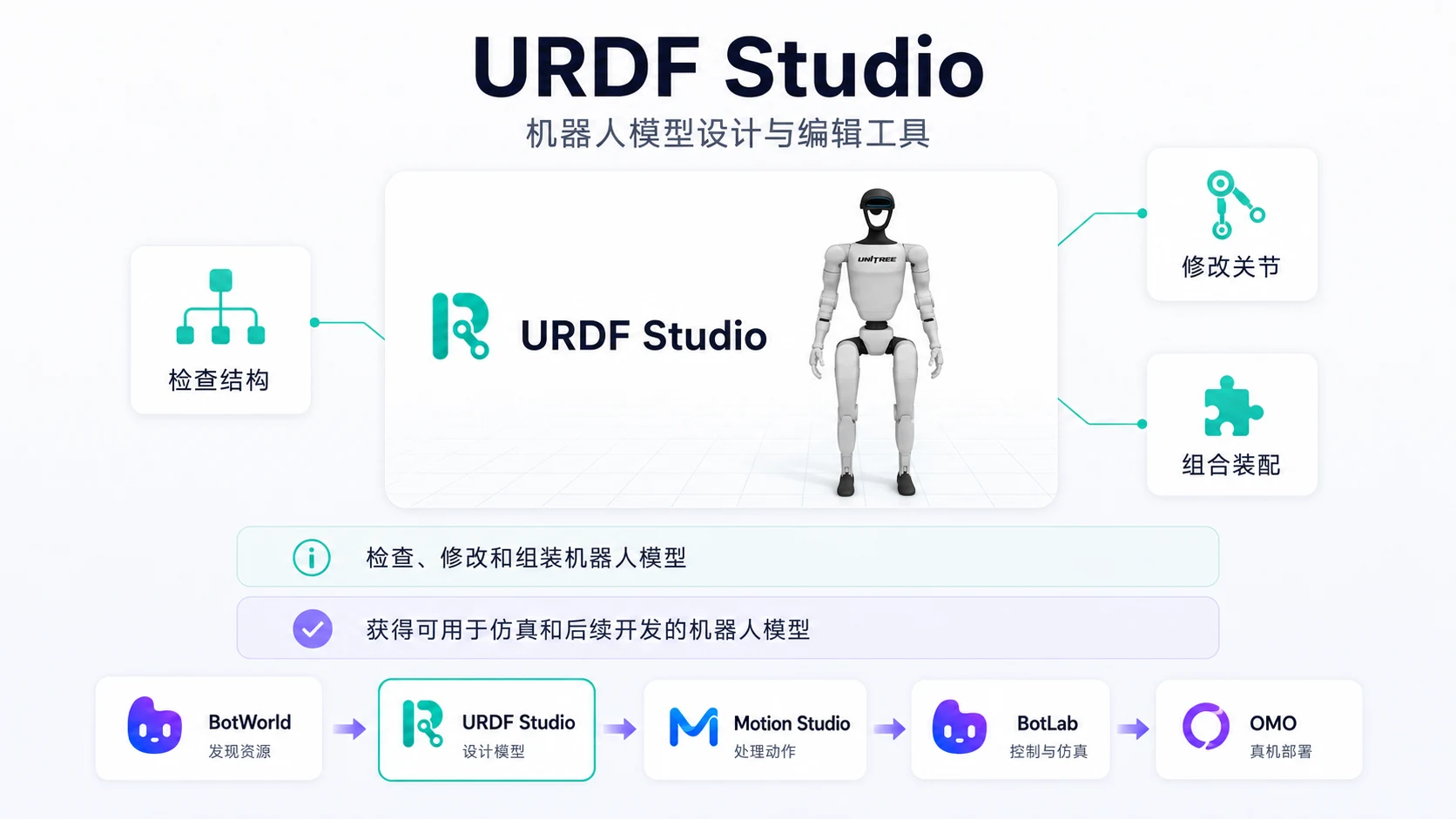

What does URDF Studio add?
It extends robot editing and assembly with scene, terrain and 3D asset generation.
Which features are previews?
Scene, terrain and 3D generation include internal previews. Availability depends on the specific version.
How do I continue into training and simulation?
Export the model, scene and resource dependencies, then check physics properties and project configuration for the target tool.