Platform overview
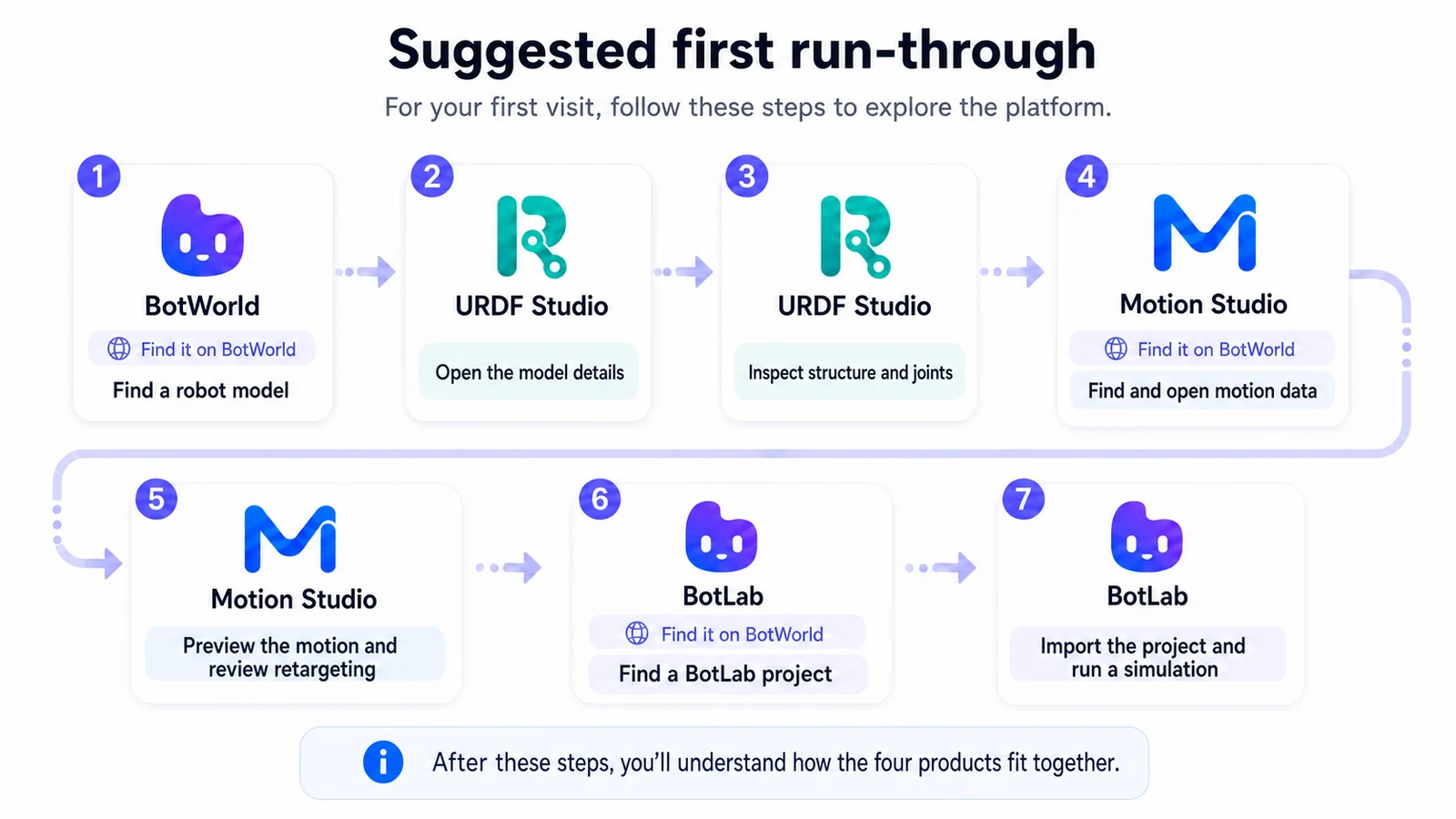
The platform serves robot developers, content creators and ecosystem partners. It covers robot digital asset discovery, model design, motion processing, control authoring, simulation validation and physical robot deployment.
The platform consists of BotWorld, URDF Studio, Motion Studio, BotLab and OmO. The five products can be used independently, or connected into a continuous development workflow around robot assets.
What This Manual Covers
This version of the manual focuses on BotWorld and URDF Studio, which are already available. Tutorials for Motion Studio, BotLab and OmO will be added after those product workflows settle.
How the Products Divide the Work
| Product | Role | What you use it for |
|---|---|---|
| BotWorld | Robot asset platform | Find, upload, distribute and reuse models, motions, skills, scenes and examples |
| URDF Studio | Model tool | Import, inspect, edit and export robot models |
| Motion Studio | Motion tool | Import, preview, retarget and output motion assets |
| BotLab | Simulation runtime | Load assets, build control links, run simulation and validate behavior |
| OmO | Physical deployment tool | Deploy validated capabilities to real robots |
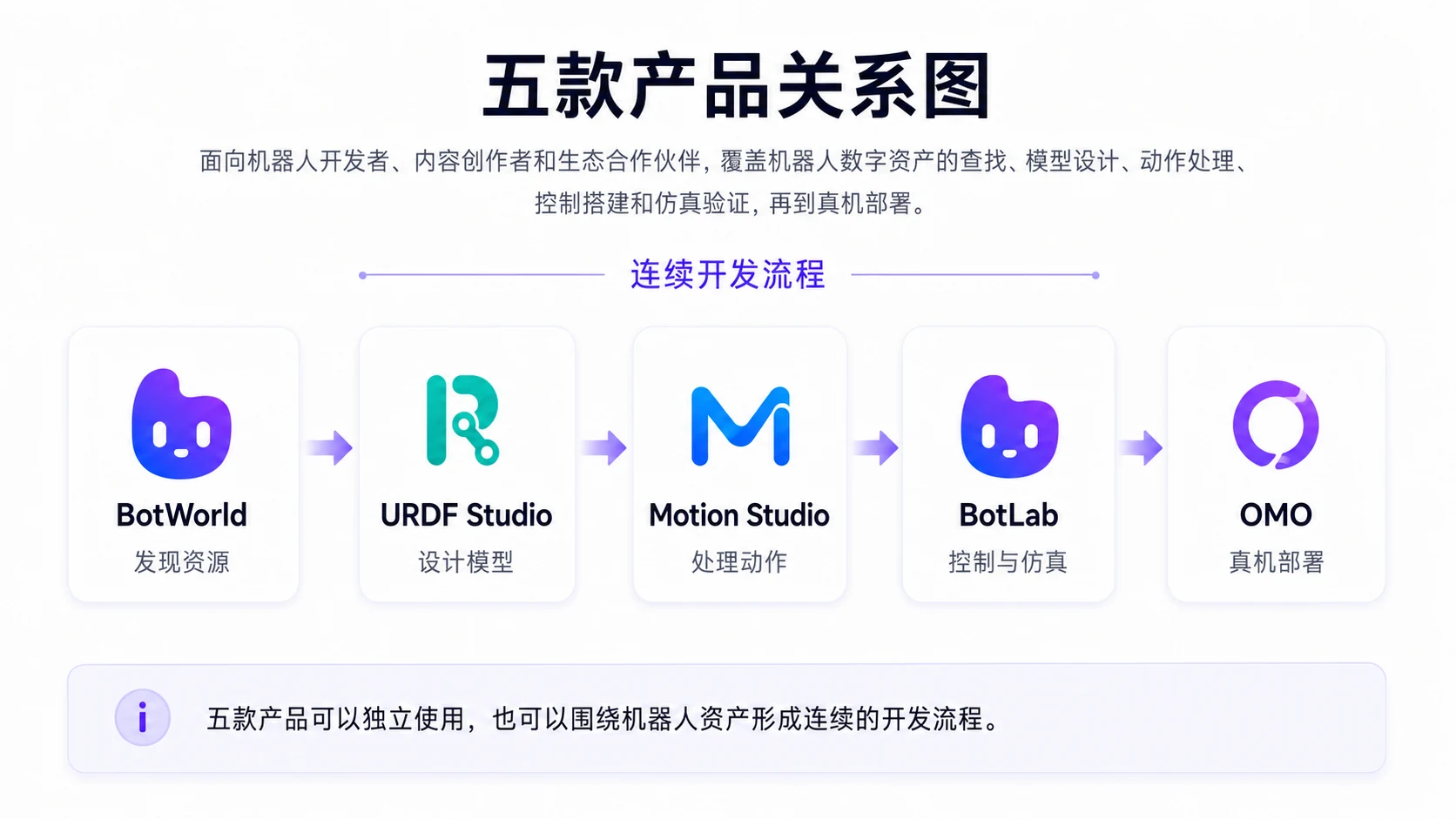
Which Product Should I Start With?
Choose the product based on your current task:
- To find robot models and related resources: enter BotWorld
- To view, inspect or edit robot models: enter URDF Studio
- To process motion assets: enter Motion Studio
- To load assets, build control links and run simulation validation: enter BotLab
- To deploy validated capabilities to a real robot: enter OmO
- If you are not sure where to start: start in BotWorld and find the resource you need
BotWorld is the resource entry point for the platform. After finding a suitable robot model, import it directly into URDF Studio to view, edit and export it.
Suggested First Run-Through
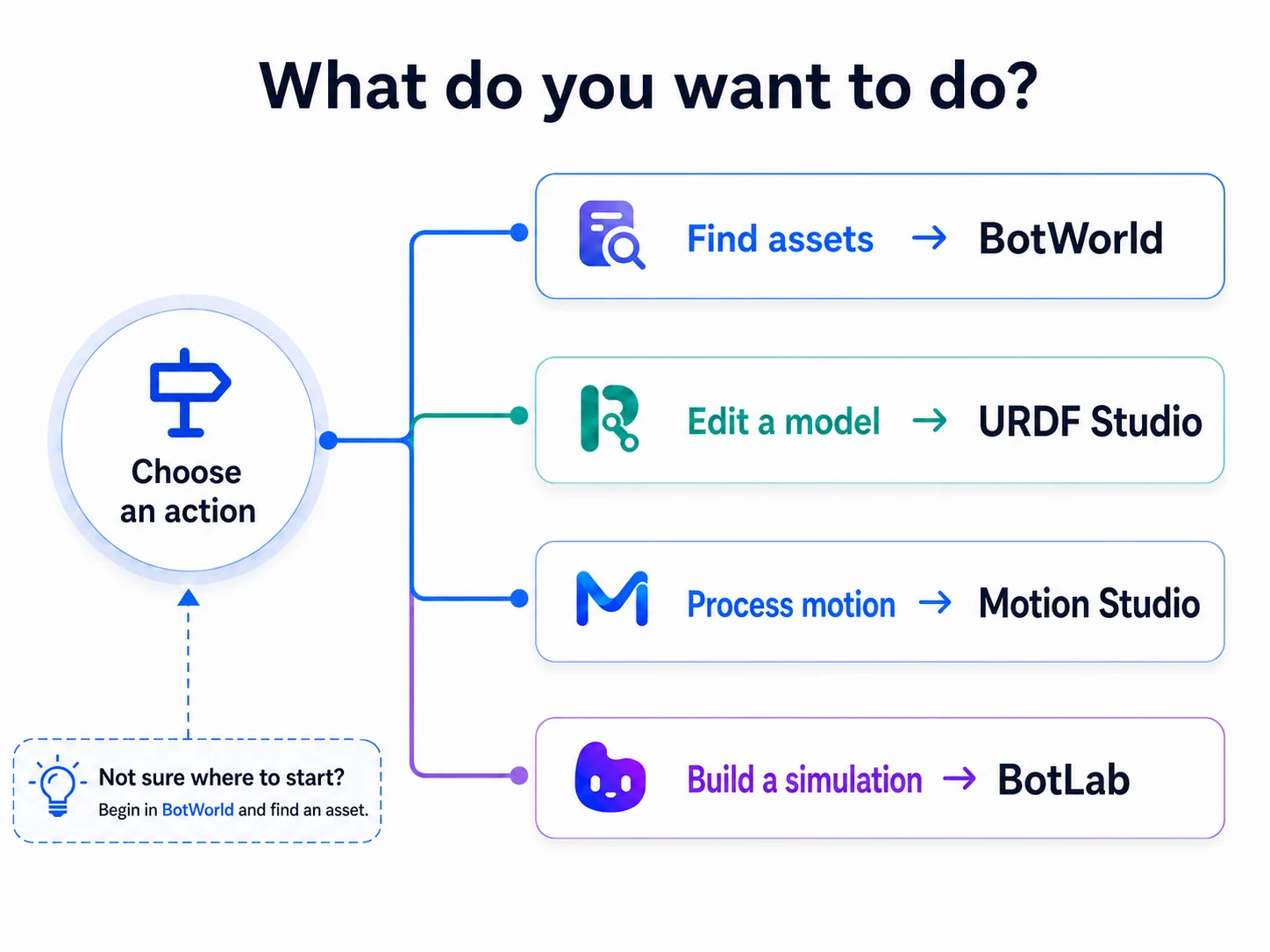
On your first use, follow this order:
- Find a robot model in BotWorld.
- View the robot model's resource detail page.
- Import the model from BotWorld into URDF Studio.
- View model structure and joints in URDF Studio.
- Make a simple model edit.
- Export the edited model locally.
After completing these steps, you will understand the basic relationship between BotWorld and URDF Studio and can complete a basic robot model processing flow.